Free no sign up AI image to video is live.Upgrade for clean exports.

Drag & Drop, Paste, or Click to Upload

PNG, JPG, JPEG, WEBP, Max 20 MB

Use a clear image with one main subject for stronger AI image to video results.

Duration

Resolution

Number of Results

Sample Video

Unlimited AI Image to Video - Free No Sign Up Image to Video AI

AI image to video turns a single photo, product shot, artwork, or social visual into a short motion clip online. Upload an image, describe camera movement, mood, and subject action, then generate a free no sign up image to video AI preview before choosing higher-resolution exports.

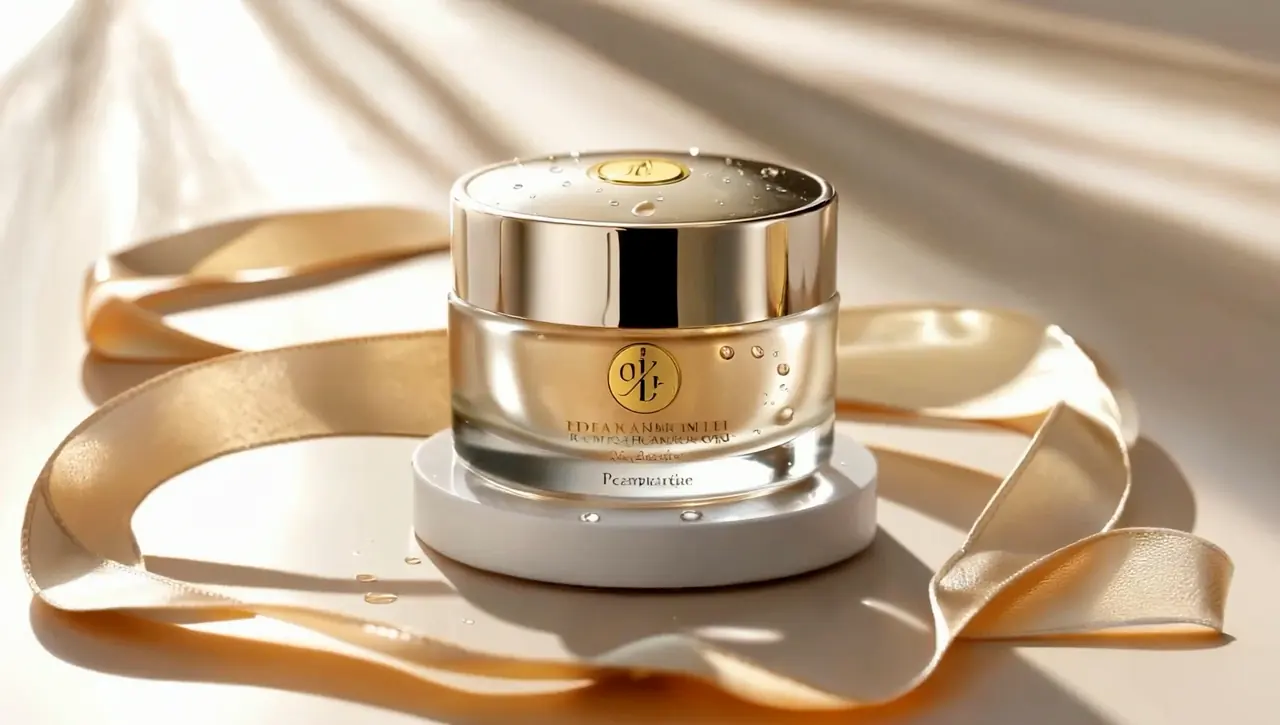
Original Image

Luxury gold skincare jar with satin ribbon

Prompt

A 3-second luxury skincare product video. The gold cream jar stays centered on a glossy pedestal while the satin ribbon gently flows around it, tiny water droplets glisten on the lid, warm sunlight sweeps across the metallic surface, soft fabric waves in the background, premium beauty commercial style, smooth slow camera push-in, keep the product shape and logo stable.

Sample Video

Built for Practical AI Image to Video Work

ImageToVideoAI.top focuses on the core workflow: upload an image, guide the scene with text, choose the output format, and create motion that can be tested in social posts, ads, landing pages, or creative drafts.

Prompt-Guided Motion From One Image

Describe the motion you want, from a slow push-in to product rotation, character movement, or atmospheric camera drift. Your image stays the visual anchor while the AI builds controlled motion around your prompt.

Try the Generator
Free Testing Without Account Friction

Start with an image and a prompt, preview the result in the browser, and decide whether the idea is worth exporting at higher quality. The free no sign up flow is built for fast creative checks.

Try the Generator

Formats for Social, Ads, and Demos

Generate square, vertical, and landscape clips for Reels, TikTok, paid social, product demos, and portfolio work. Paid generations unlock cleaner exports after you validate the direction.

Try the Generator

How to Create an AI Image to Video Clip

Upload Your Source Image

Add a JPG, PNG, or WEBP image up to 20 MB. Product photos, portraits, AI artwork, travel shots, and illustrated scenes all work as starting points.

Describe the Motion

Tell the AI what should move, how the camera should behave, and what mood the clip should have. Pick aspect ratio, duration, and resolution before generation.

Generate, Preview, and Export

Start the render, watch progress, then preview the AI image to video result in the browser. Download the clip when ready or refine the prompt and create another version.

Make Short Videos People Want to Watch

Build clips for creator profiles, small business ads, festival posts, food reels, and travel stories. Start from an image or prompt, test the motion quickly, and keep the versions that feel ready for social feeds.

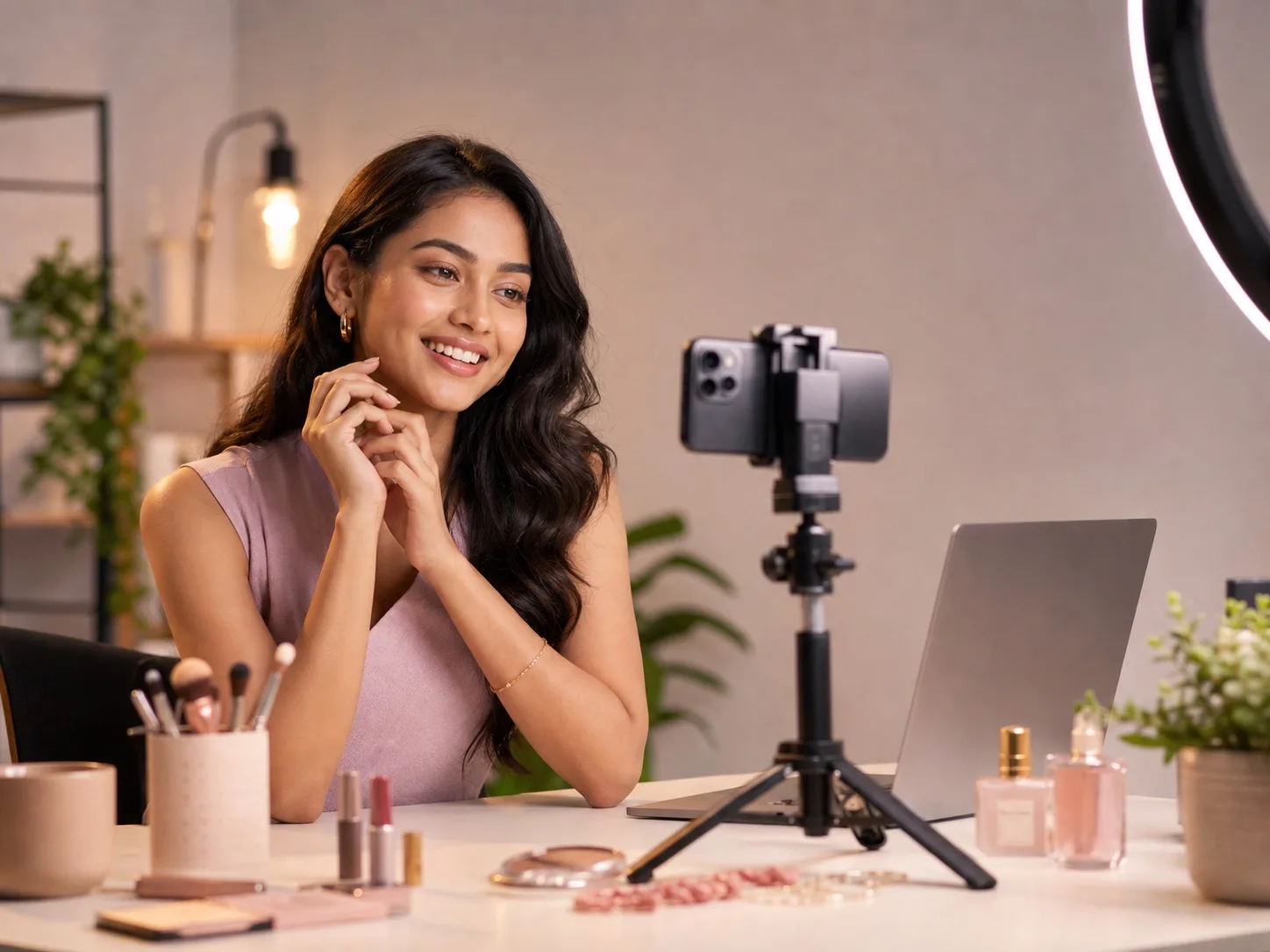
Creator recording a portrait reel with a phone and studio light

Turn Portraits Into Reels

Animate selfies, creator shots, couple photos, and profile images with natural camera movement, facial consistency, and short-form motion made for Reels and Shorts.

What Creators Use It For

Simple Enough for a First Test

I uploaded one product photo, wrote a short camera prompt, and had a usable motion draft quickly. The workflow helped me test AI image to video before learning another editing tool.

Maya Rodriguez

Beginner User

Product Video Ideas Without a Queue

For quick marketing tests, speed matters. ImageToVideoAI.top lets our team turn static product images into motion concepts before deciding which ideas deserve a full campaign.

Liam Johansson

Marketing Manager

Useful for Motion Direction

I use it to explore movement from static visuals. It helps me show clients how an image could animate before we spend time building a polished treatment.

Sophie Turner

Designer

Faster Listing Video Drafts

Real estate photos feel more engaging when the camera can glide through a room. I can create quick property-tour clips from stills while a listing is still fresh.

Gabriela Santos

Realtor

Fast Clips for Social Testing

When I need a reel idea quickly, I can start from a single image and generate a moving version for testing. It is a useful shortcut for short-form video drafts.

Ava Reyes

Social Media Influencer

More Motion From Existing Assets

Static product shots are useful, but motion gets more attention. This gives us a quick way to test animated ads and landing page clips from images we already have.

Leo Martens

Shopify Store Owner

AI Image to Video FAQ